WA Manager
Advanced WhatsApp Web management — extract, organize, and automate your WhatsApp group operations from one powerful dashboard.
What WA Manager Can Do
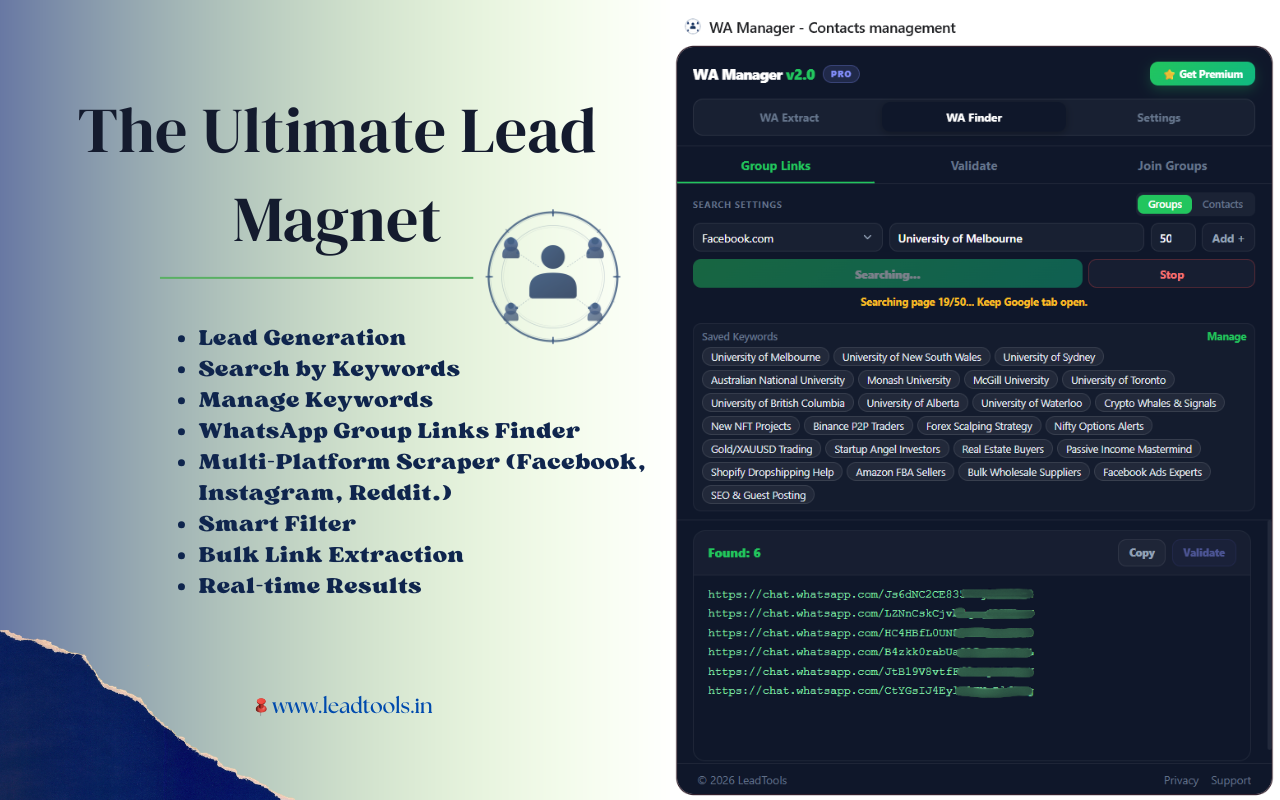
Step 1. Find Groups
Search Google from the extension to discover active WhatsApp groups in your niche.
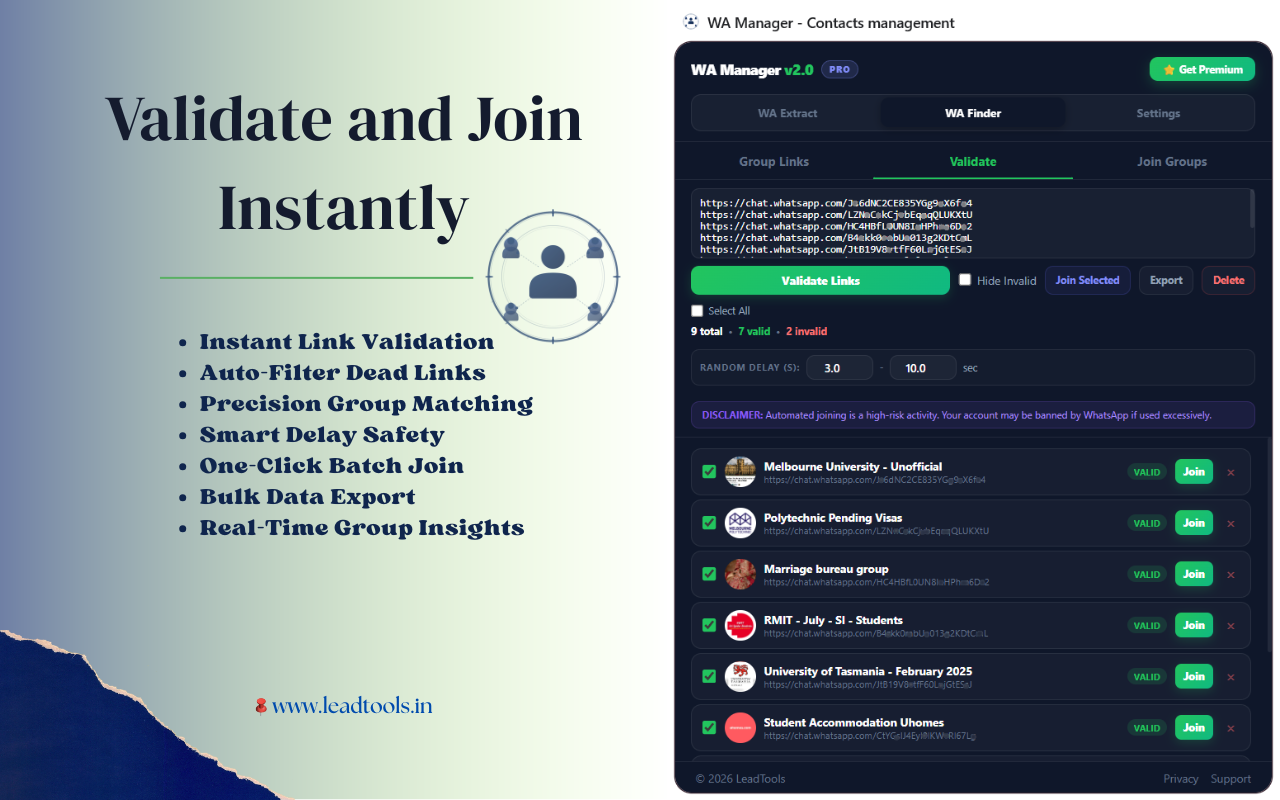
Step 2. Validate Links
Bulk-validate links instantly. Filters out expired or broken links automatically.
Step 3. Auto Join
Auto-join hundreds of groups with built-in delay control. No manual clicking needed.
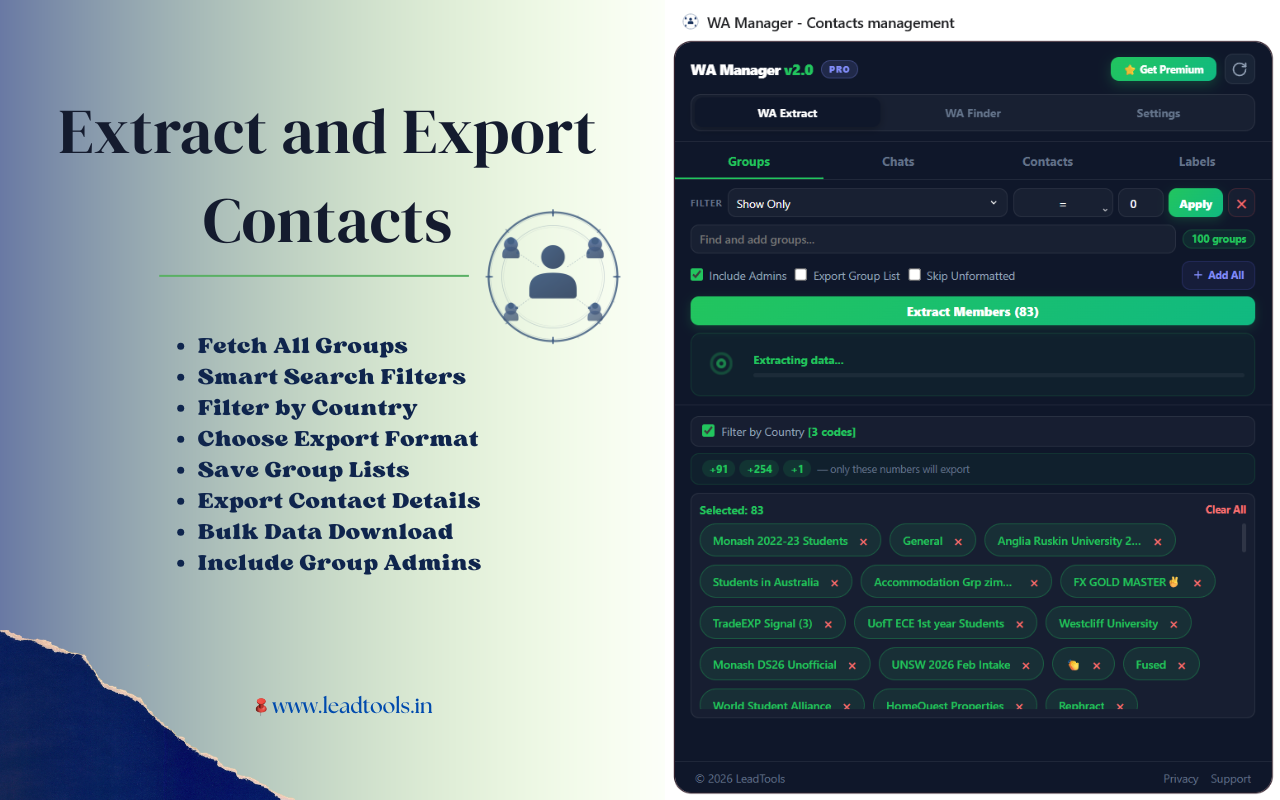
Step 4. Extract Contacts
Extract phone numbers, names and metadata from multiple groups in one click.
Step 5. Export Data
Export to CSV, Excel, JSON or PDF. Ready to import into any CRM or bulk sender.
Step 6. Start Marketing
Send offers and campaigns to a fresh targeted lead list. Close more deals, faster.
How It Works
Open WhatsApp Web
Log in to web.whatsapp.com and navigate to any group.
Click WA Manager Icon
Open the extension from your Chrome toolbar to see the dashboard.
Export Your Contacts
Choose your format and download the contact list in seconds.
Ready to extract your first group?
Free plan available. No credit card required.
Add to Chrome — Free